
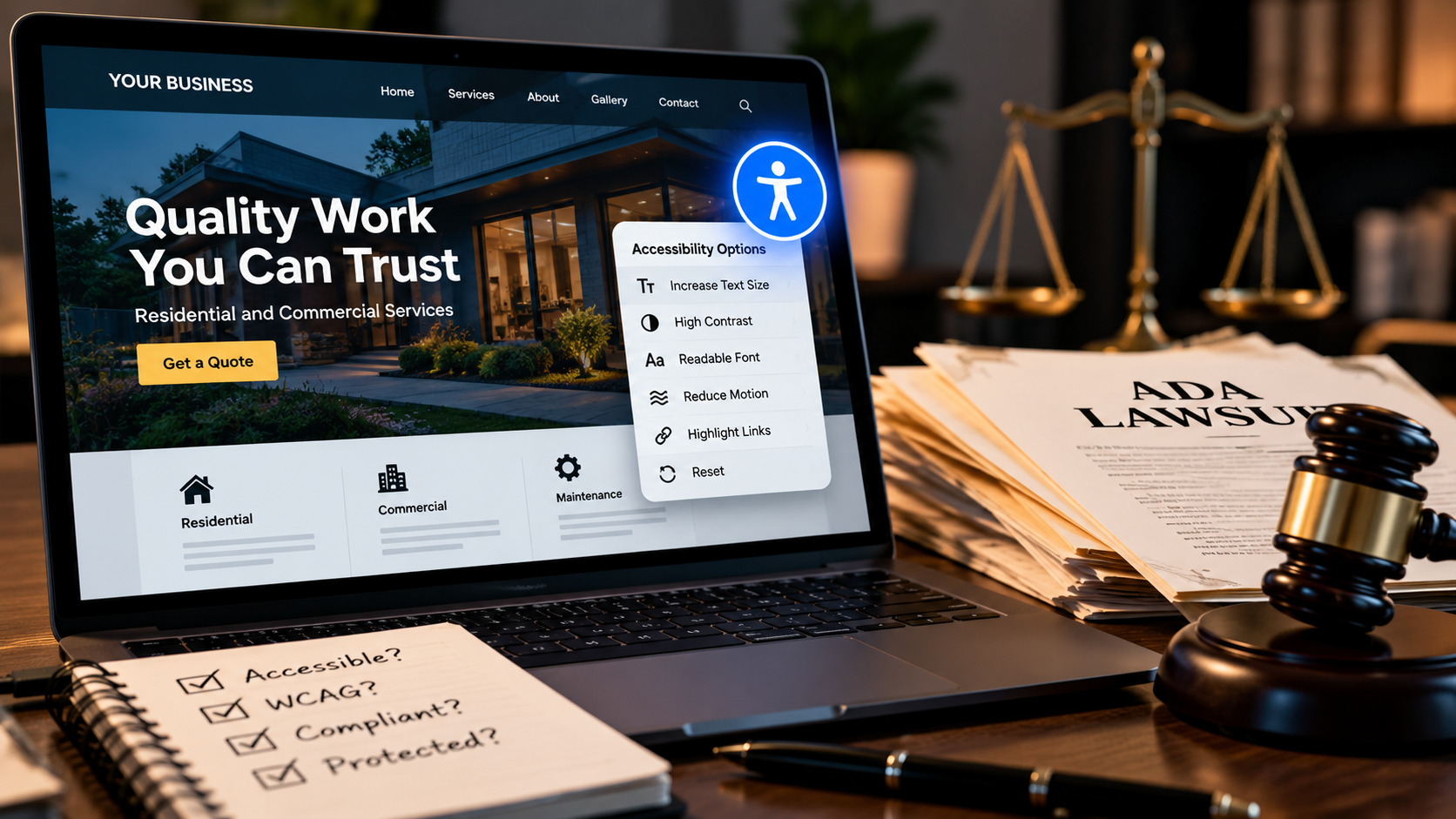
There is an extremely attractive version of website accessibility being sold to businesses: install a script, put a little accessibility button in the corner, let the software handle the complicated stuff, and move on with your life.
I understand why people want that to be true. Accessibility can touch design, HTML, JavaScript, forms, content, images, navigation, keyboard behavior, focus management, error handling, color contrast, and testing with assistive technology. That is considerably less convenient than adding one line of JavaScript.
Unfortunately, convenience and completeness are not the same thing.
The promise is easy to understand.
Most small-business owners are not accessibility specialists. They are trying to run restaurants, stores, service companies, practices, agencies, and a hundred other things that have nothing to do with arguing about ARIA attributes at eleven o'clock at night.
So when a product says it can improve accessibility automatically, the pitch lands exactly where you would expect it to. The business owner does not want another technical project. They want the website to work for people and they would very much prefer not to receive a legal complaint while learning how badly it does not.
An accessibility widget can therefore feel less like another plugin and more like insurance. Install it, display the accessibility icon, and at least the problem looks handled.
The dangerous part is not that a widget can do useful things. It is assuming those useful things mean the entire website is now accessible.
The lawsuit numbers are the awkward part of the sales pitch.
UsableNet's August 2026 lawsuit tracker counted 432 new ADA web accessibility lawsuits filed in the United States during the month. According to its tracking, 134 of those defendants were using a third-party accessibility-related widget when they were sued.
That works out to roughly 31 percent of the lawsuits in that dataset. In other words, the presence of an accessibility widget clearly did not prevent those businesses from becoming defendants.
That does not automatically mean the widget caused the problem, failed in every case, or had no accessibility value at all. It does mean a little accessibility icon is not an invisibility cloak for litigation.
A lawsuit filing is an allegation, not proof that a website violated the ADA. The UsableNet numbers also show correlation, not causation. The useful point is narrower: businesses were still being sued while those widgets were present.
The FTC already had something to say about sweeping accessibility claims.
In April 2025, the Federal Trade Commission finalized an order involving accessiBe, the company behind the accessWidget accessibility product. The company agreed to pay $1 million to settle allegations that it had misrepresented the ability of its AI-powered product to make any website compliant with the Web Content Accessibility Guidelines, commonly called WCAG.
That distinction matters. The FTC action was not a declaration that automated accessibility tools are useless. The issue was the claim that the product could make any website compliant.
Those are very different statements.
Software can help identify problems. Software can change presentation. Software can add controls. Software can automate some fixes. What it cannot honestly do is understand every design decision, every content decision, every interaction, and every user need on every possible website just because somebody pasted a script tag into the footer.
A widget can still do useful things.
This is where the conversation usually gets stupid, because apparently every technology has to be either revolutionary or completely worthless.
Accessibility widgets can provide controls that some visitors genuinely find useful. Depending on the product, they may offer adjustments for text size, contrast, spacing, animation, cursor visibility, reading assistance, or other presentation preferences.
Automated scanning can also catch plenty of real problems. Missing alternative text, empty form labels, contrast failures, duplicate IDs, heading issues, and other detectable mistakes are absolutely worth finding.
That is useful tooling.
The trouble starts when useful tooling gets promoted into a replacement for accessible design, development, content, and testing.
The hard accessibility problems are not all switchable.
Consider an image of a damaged roof on a contractor's website. A scanner can tell you whether the image has an alt attribute. It cannot reliably determine whether the text actually communicates the important information in that image for the page's purpose.
A tool can detect that a form field technically has a label. It does not automatically know whether the instructions make sense, whether the error message is understandable, whether focus moves somewhere useful after a failed submission, or whether the whole thing becomes a mess when somebody tries to complete it without a mouse.
The same problem shows up in menus, modal windows, carousels, product filters, checkout flows, date pickers, custom controls, and JavaScript-heavy interfaces. A site can look perfectly fine while its interaction model falls apart for keyboard or screen-reader users.
You cannot fix every one of those problems by floating another button over the interface.
Accessibility lives in the website underneath the widget.
The boring answer is still the correct one: semantic HTML matters. Logical heading structure matters. Labels matter. Focus states matter. Keyboard access matters. Useful alternative text matters. Contrast matters. Clear instructions matter. Error recovery matters. Testing with actual assistive technology matters.
None of that is especially glamorous, which is unfortunate because the little floating button is much easier to photograph for a sales page.
WebAIM's 2021 survey of accessibility practitioners found 67 percent of respondents rated accessibility overlays, plugins, or widgets as either "not very effective" or "not at all effective." Among respondents with disabilities, that figure was 72 percent.
That survey is older, voluntary, and should not be treated as a perfect representation of every accessibility professional or every disabled user. It is still useful context because the skepticism around overlay-style solutions did not suddenly appear when lawsuits became a headline.
Accessibility is a property of the experience, not a badge you attach to the experience after it is built.
So what should a small business actually do?
First, do not panic-delete a widget just because an article on the internet told you widgets are controversial. If visitors use a feature and it provides real value, removing it blindly does not make the website better.
The smarter move is to stop treating the widget as the accessibility strategy.
- Run automated scans, but understand they only catch part of the problem.
- Test every important action with a keyboard.
- Check headings, landmarks, form labels, errors, and focus behavior.
- Review alternative text as actual content, not just a filled field.
- Test color contrast and visible focus states.
- Use semantic HTML before reaching for ARIA to repair avoidable markup problems.
- Include real assistive-technology testing when the risk and scope justify it.
- Fix the source of recurring problems instead of repeatedly patching the symptoms.
We already have a practical walkthrough of the underlying work in Small-Business Website Accessibility: The Practical Basics . That is the less exciting article where we actually fix things.
Also, accessibility law is not identical for every organization, industry, or jurisdiction. A developer, scanner, or blog post should not pretend to be your lawyer. If you need legal guidance about your specific obligations, get it from somebody qualified to give it.
So what exactly did you buy?
This is the part I think businesses deserve to have explained clearly. If a widget is sold as an additional accessibility tool, fine. That is a product somebody can evaluate on its features.
If it is sold in a way that leaves the business believing the website is now automatically accessible or protected from accessibility litigation, that is a much bigger promise.
The website still has headings. It still has forms. It still has buttons, menus, images, scripts, errors, checkout flows, and whatever creative thing somebody did with a div because apparently buttons were not exciting enough.
Somebody still has to make those things work.
Sources behind the argument
- UsableNet: ADA Accessibility Lawsuit Tracker, August 2026
- Federal Trade Commission: accessiBe Inc. case and final order
- WebAIM: Survey of Web Accessibility Practitioners #3
The icon was never the website.
Accessibility widgets can be tools. Automated testing can be a tool. Manual testing is a tool. Good HTML is a tool. None of them becomes the entire accessibility program just because installing one of them was easier.
If the website underneath the accessibility button still does not work for somebody, the button did not make that problem disappear. It just gave the problem a nicer place to sit.
The comment section has entered the chat
Join the discussion
0 approved commentsIf an accessibility widget cannot guarantee the underlying website is accessible, what job should that widget actually be allowed to claim it does?
No approved comments yet. You could be first, which is either exciting or suspiciously responsible.
Add your two cents
Keep it useful, keep it human, and disagree without flipping the table. Comments are reviewed before they appear.